Why should restaurants use e-Adisyon? Benefits, costs and the transition process
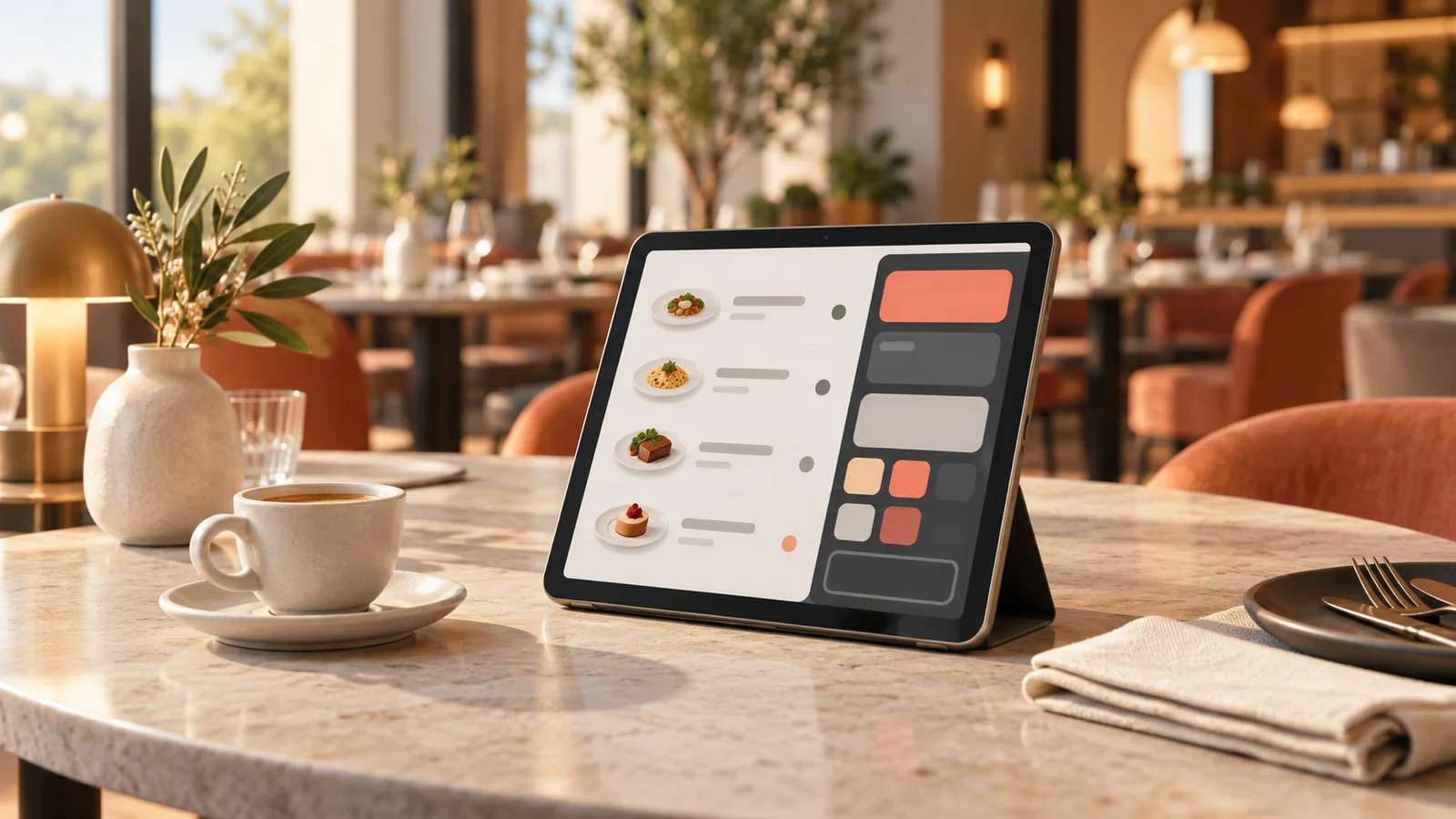
Restaurants can consider digital ordering and billing tools to keep better records from ordering through closing the bill and, with suitable integration, reduce repeated data entry. However, a digital table bill in restaurant software is different from the fiscal e-Adisyon document governed by Türkiye’s Revenue Administration (GİB). Before buying, identify the problem to solve, your legal scope and the total transition cost.
Fiscal e-Adisyon and digital table bills
Restaurant software may show what each table ordered and whether its bill is open. These are operational functions. Calling a screen or printout an “adisyon” does not establish that it is a compliant fiscal e-Adisyon.
Fiscal e-Adisyon involves a specified document format, signing and reporting to GİB. The technical guide covers the electronic document, time-stamped fiscal-seal signing and report transmission. Ask the provider to demonstrate the fiscal document workflow as well as the table screen. GİB e-Adisyon Technical Guide, introduction
- Digital table bill: tracks orders and the open bill in software; fiscal status must be verified separately.
- Adisyon: records the kinds and quantities of goods and services provided.
- Fiscal e-Adisyon: the electronic form of adisyon, with the same legal character as its paper equivalent.
- e-Fatura or e-Arşiv Fatura: the invoice used where the sale is documented by an invoice.
- New-generation ÖKC receipt: a retail sales receipt issued by a payment recording device.
e-Adisyon alone does not replace an invoice or ÖKC receipt. When service ends, a separate e-Fatura, e-Arşiv Fatura or new-generation ÖKC retail receipt containing the e-Adisyon’s unique identifier (ETTN) must be issued. A paper copy of e-Adisyon need not remain on the table. Determine the appropriate sales document for each transaction with your accountant. Communiqué No. 509, IV.12.1 and IV.12.3
Is it mandatory for every restaurant?
Do not assume a universal e-Adisyon requirement or a single automatic turnover threshold for all restaurants. GİB can make it mandatory for businesses issuing adisyon, considering sales revenue, through written notification or an announcement on its e-document website, allowing at least three months for preparation. The applicable deadline is stated in that notification or announcement. Communiqué No. 509, IV.12.4–5
First assess the obligation to issue adisyon itself. Communiqué No. 299 links the obligation for the relevant service businesses to serving alcoholic drinks and states that businesses not serving alcohol are not obliged to issue adisyon. No. 298 lists exceptions for self-service, certain businesses selling only tea, coffee and soft drinks, simplified taxation and certain accommodation services. A “restaurant” or “café” label is insufficient: consider actual service arrangements and tax status together. GİB Communiqué No. 299, No. 298
Voluntary participation requires enrollment in e-Fatura and e-Arşiv Fatura, completed technical preparations and an application using either a special integrator or direct integration. An ordinary restaurant-software subscription does not replace this enrollment. Communiqué No. 509, IV.12.2
Review letters and electronic tax notifications addressed to your business, alongside current GİB announcements, with your accountant. A software supplier’s general message is not an official notification to your business.
Potential benefits for your business
Separate the benefits of operational software from organizing the fiscal document workflow. The following outcomes depend on the selected system and correct setup.
Clearer order and open-bill tracking. Viewing tables, items and order changes in one workflow may reduce differences between waiting staff and the cashier. During a demonstration, examine table transfers, complimentary items and cancellations.
Less repeated entry. Correct transfer of order data to the cashier and fiscal document systems may reduce retyping. Using two applications does not by itself establish an integration.
More consistent closing checks. Comparing open bills with issued sales documents may help identify unclosed or incorrectly matched transactions. Do not assume this happens automatically or without errors; appoint someone to perform daily checks.
Easier document access. Search, export and authorized access may reduce the effort of reviewing old records when these functions work correctly. Test access after a provider change before committing.
Potentially less paper. The extent depends on kitchen printouts and customer communications too. Compare actual consumables costs before and after transition instead of assuming a completely paperless business or a fixed saving.
What belongs in the cost calculation?
Look beyond the monthly subscription. Obtain comparable written quotations and separate initial setup from continuing costs.
- Operational software: does pricing vary by branch, user, device or terminal?
- Fiscal e-Adisyon service: is it included, or does it require a separate agreement?
- Document and reporting usage: are there credits, quotas, overage or additional-document fees, and what is the charging unit?
- Integration and setup: is connecting existing cashier, invoice and accounting systems charged separately?
- Hardware and connectivity: are new terminals, device adaptations, networking or backup connections needed?
- Signing and storage: what tools and services does the chosen method require, and who pays?
- Training and support: are shift training, peak-hour support and on-site assistance included?
- Exit and data transfer: is retrieving documents and records at contract end chargeable?
Not every item applies to every business. Review existing devices and contracts before buying replacements or additional packages. Compare VAT, renewals, commitments and price-adjustment terms on the same basis.
A practical budget is: first-year total = one-off transition costs + twelve months of fixed services + expected usage charges + training and continuity costs. This is a planning framework, not a price list.
Questions to assess suitability
- Do you need only table and order management, or a fiscal e-Adisyon workflow too?
- Has your accountant reviewed adisyon scope and any official transition notification?
- Is your e-Fatura and e-Arşiv Fatura enrollment suitable for transition?
- Does the exact version of your cashier and invoice software work with the proposed solution?
- Which authorized organization provides the fiscal e-Adisyon service?
- Can the provider demonstrate split bills, merged tables, discounts and complimentary items?
- Who monitors failed reporting or document creation, and on which screen?
- Will staff receive a workable procedure for internet or system outages?
- If branches belong to different taxpayers, how are setup and agreements separated?
- How will historical fiscal documents remain accessible after changing providers?
Do not check authorization using only the e-Fatura list. Check the relevant service against GİB’s separate e-Adisyon special integrators list.
Transition checklist
- Determine scope: assess service arrangements, tax status and branches with your accountant.
- Document the timetable: retain the applicable notification or announcement and assign a responsible person and schedule.
- Map the current workflow: record where each entry is created between order and payment.
- Choose the method and provider: specify application, setup and support responsibilities in the agreement.
- Review the data: have specialists check business and branch information, product names, tax settings and document numbering.
- Run an end-to-end trial: review opening an order, additions, closing, sales-document matching and reporting results together.
- Test difficult cases: split bills, discounts, complimentary items, mistakes, connection loss and duplicate entries during retries.
- Prepare an outage procedure: do not treat switching to paper as automatic; have your accountant verify the exception conditions in sections V.7 and VIII of the Communiqué.
- Train every shift: staff should know whom to notify and when to close a bill.
- Monitor the first days: compare open bills, sales documents and reporting results daily.
- Test archive access: find, display and export an older sample document.
How to make the decision
If you fall within a mandatory scope, prioritize setting up the correct workflow by your applicable deadline. If considering voluntary participation, first measure your actual problem: time spent re-entering data, bill discrepancies or time spent finding documents.
A controlled pilot on one shift or branch can show whether a solution fits your working practices. Define success criteria beforehand and assess the fiscal and accounting workflow alongside usability. Ask a Turkish SMMM or YMM tax professional to review your business scope and document arrangements.
Türkiye legislation and sources last checked: 25 October 2026.