QR Menu
Turn a PDF menu into a digital menu with the RestoCor menu builder. Edit products, categories and prices, then publish your QR menu.
How to use it in your business
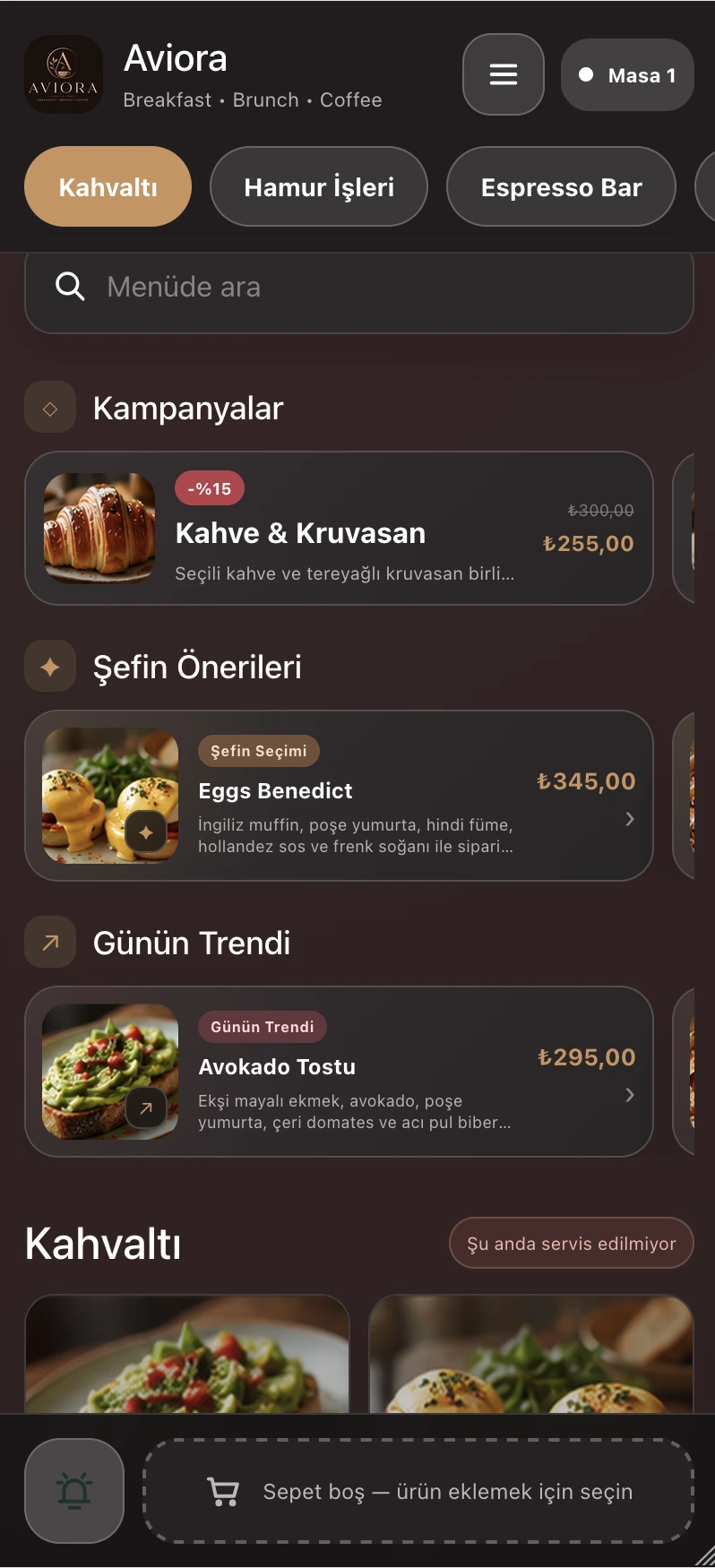
Move a printed menu online with AI menu creation, menu import, and content management tools. Help guests explore the menu with the AI digital waiter.
- Product and category management
- Menu designs and multiple languages
- AI menu creation and digital waiter
- Menu import and content management
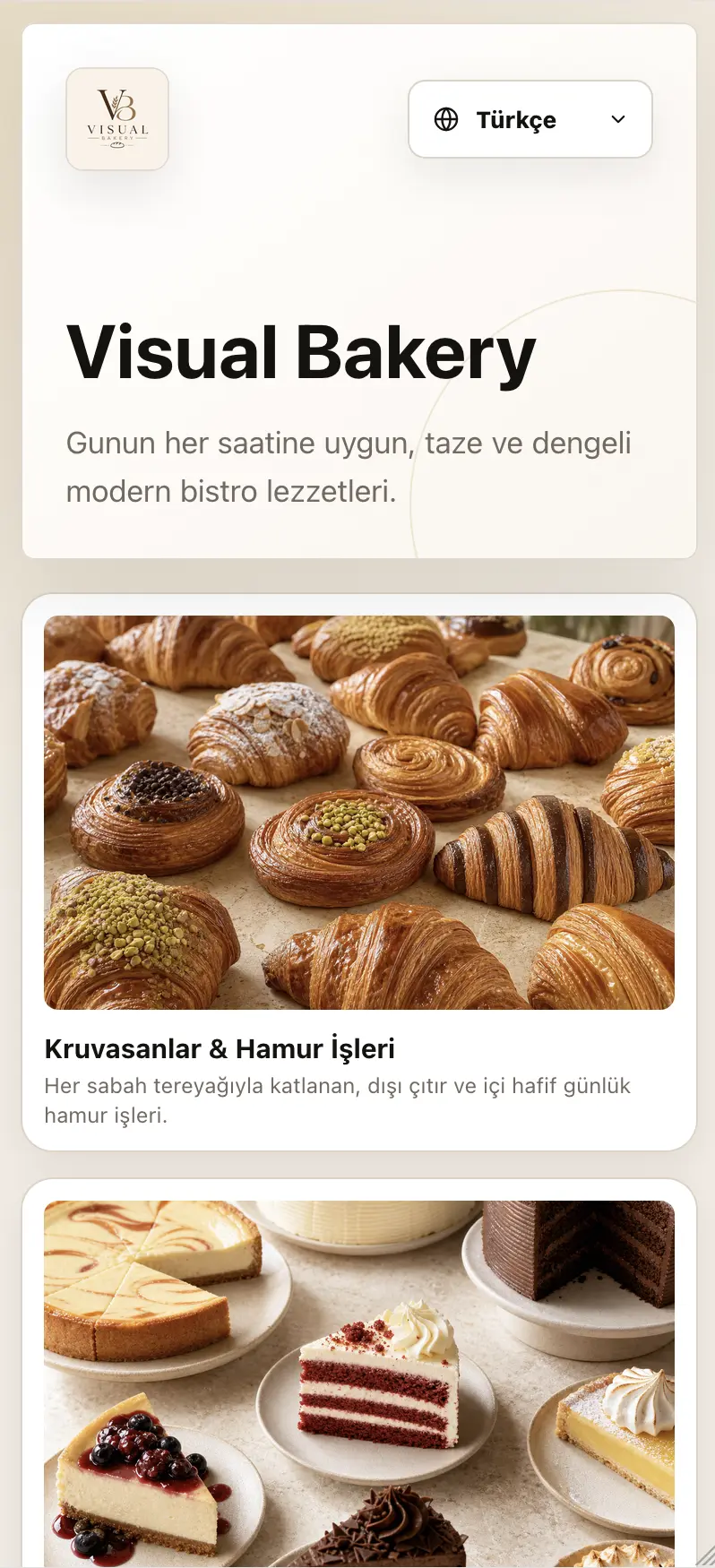
Multi-language Support
Serve your menu in multiple languages and give international guests an experience in their own language.
- Menu content in multiple languages
- RTL right-to-left support
- AI translation support
- Multi-language management from one panel
 TR
TR EN
EN AR
AR DE
DE FR
FR ES
ES IT
IT RU
RU ZH
ZHAI Menu Creation
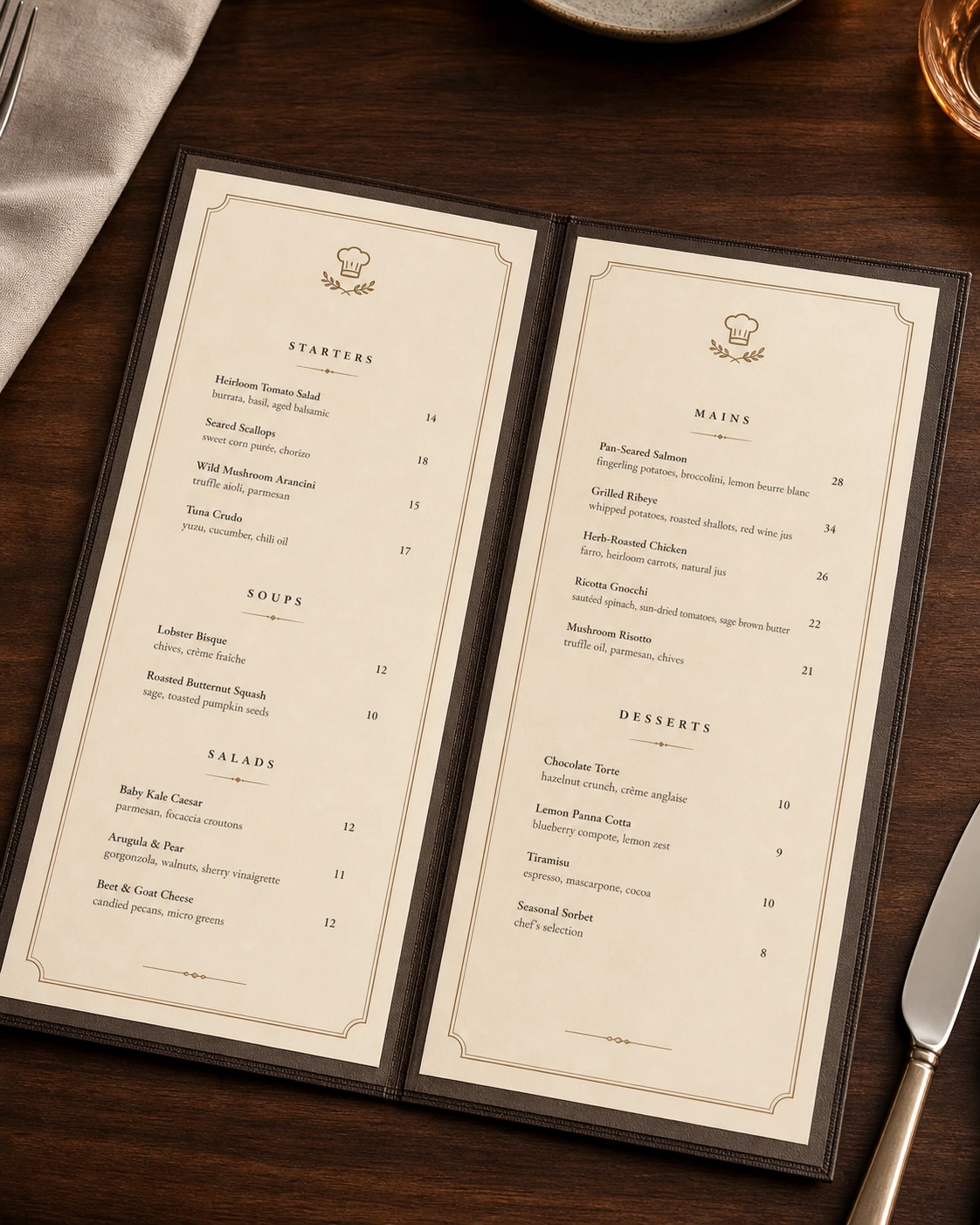
Upload your PDF or image menu, and AI extracts categories, products, and prices automatically.
- OCR text detection
- Automatic category creation
- Price detection
- AI-generated descriptions

Promus AI Digital Waiter
With Promus, guests can ask questions about your menu, explore product ingredients and receive menu recommendations. Offer the digital waiter experience in different languages with multilingual support.
- Smart product suggestions
- Allergen and ingredient info
- Cross-sell recommendations
- Multi-language support
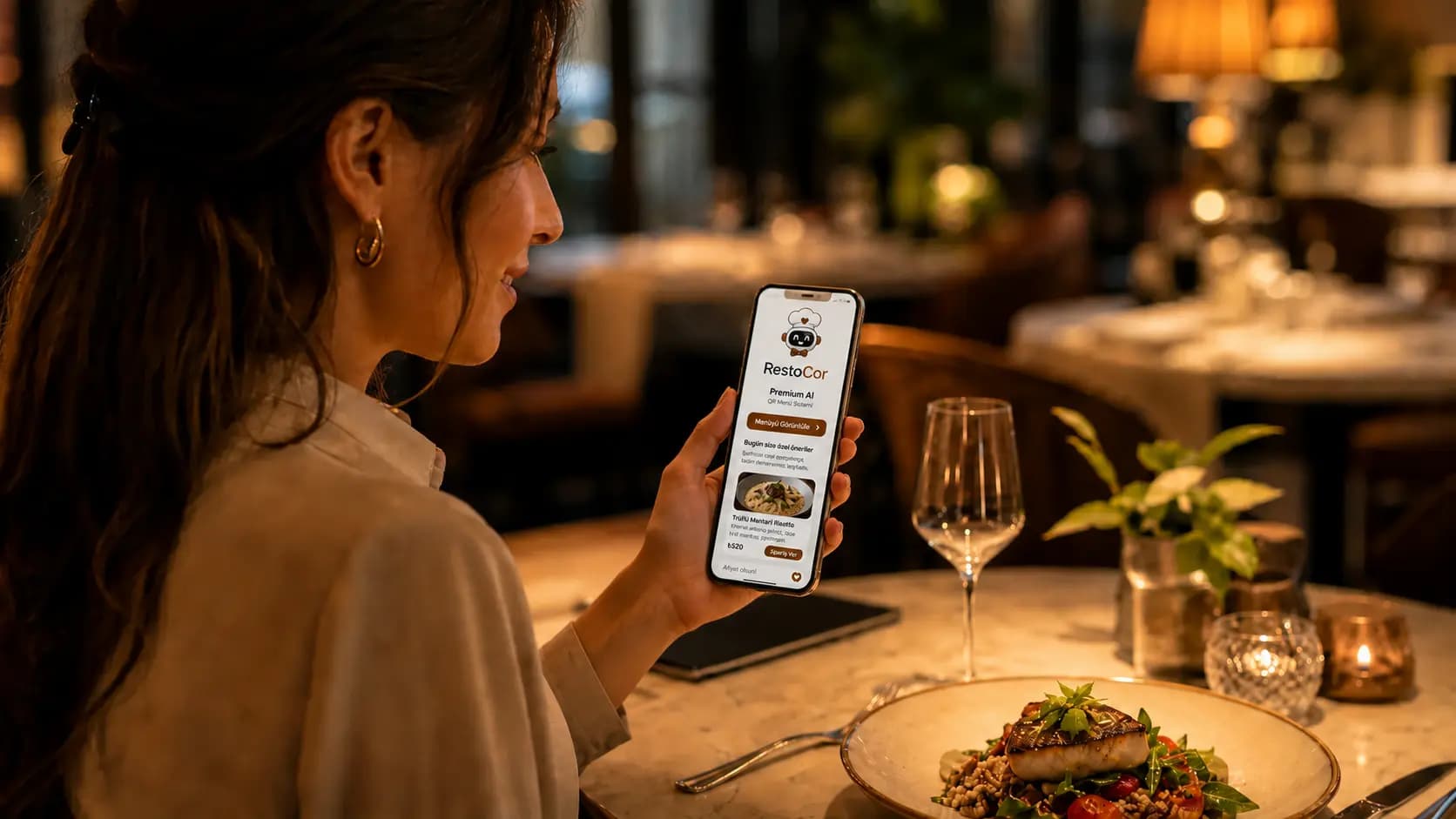

Grilled Salmon: A perfect choice with fresh vegetables.
QR Ordering from the Table
Guests can scan a table-specific QR code to open the menu and place an order. Track table orders together with your service and kitchen workflows.
- Table-specific QR code
- Menu product selection and cart
- Table order tracking
- Connection to service and kitchen workflows
Premium Design Templates
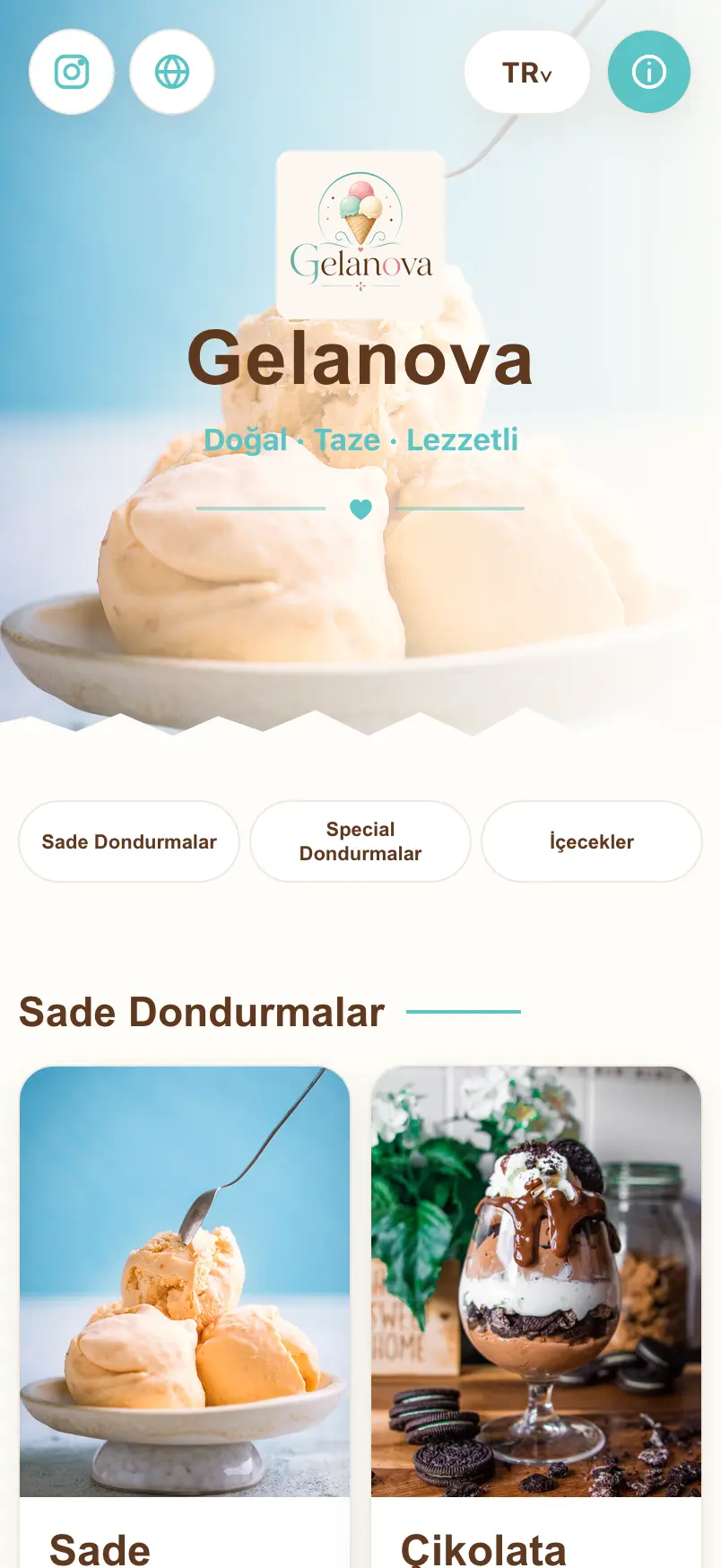
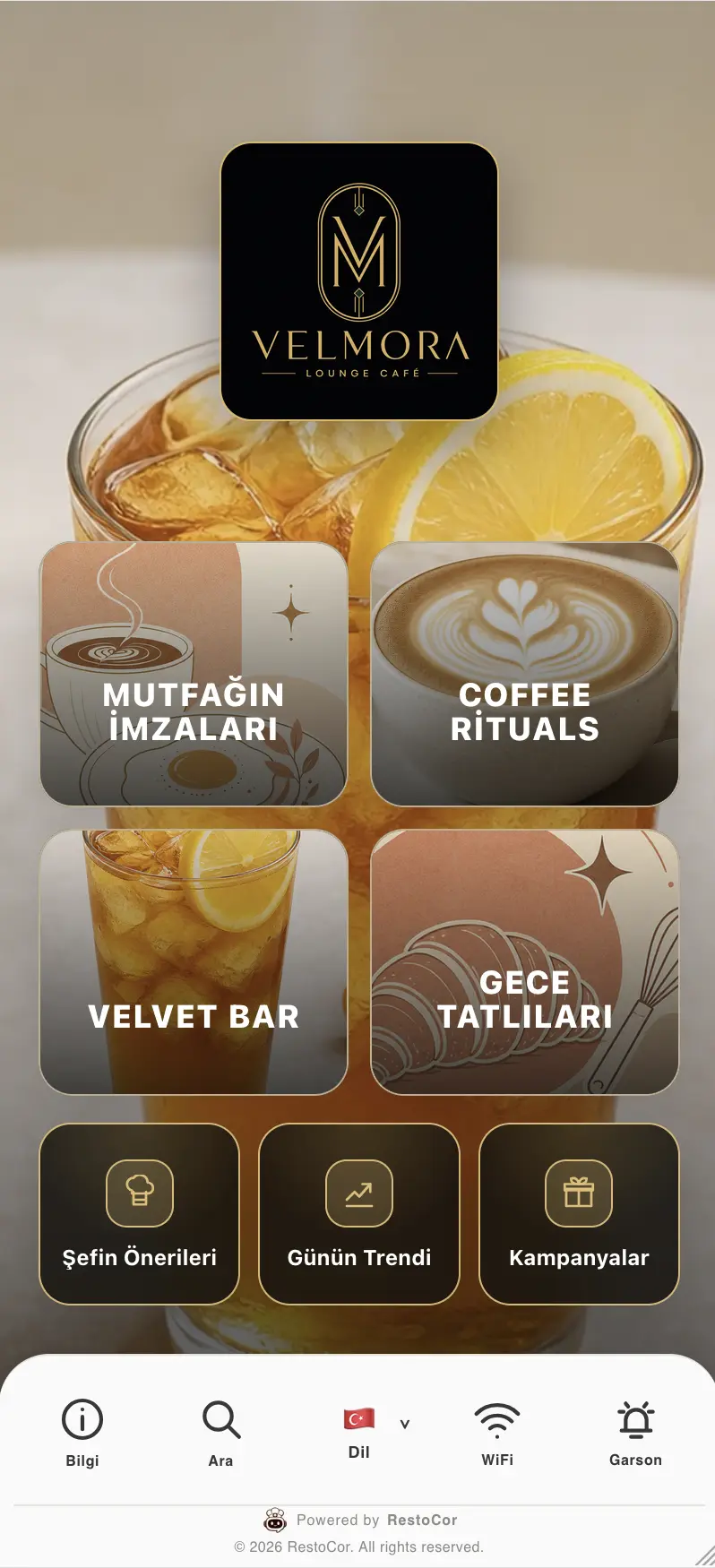
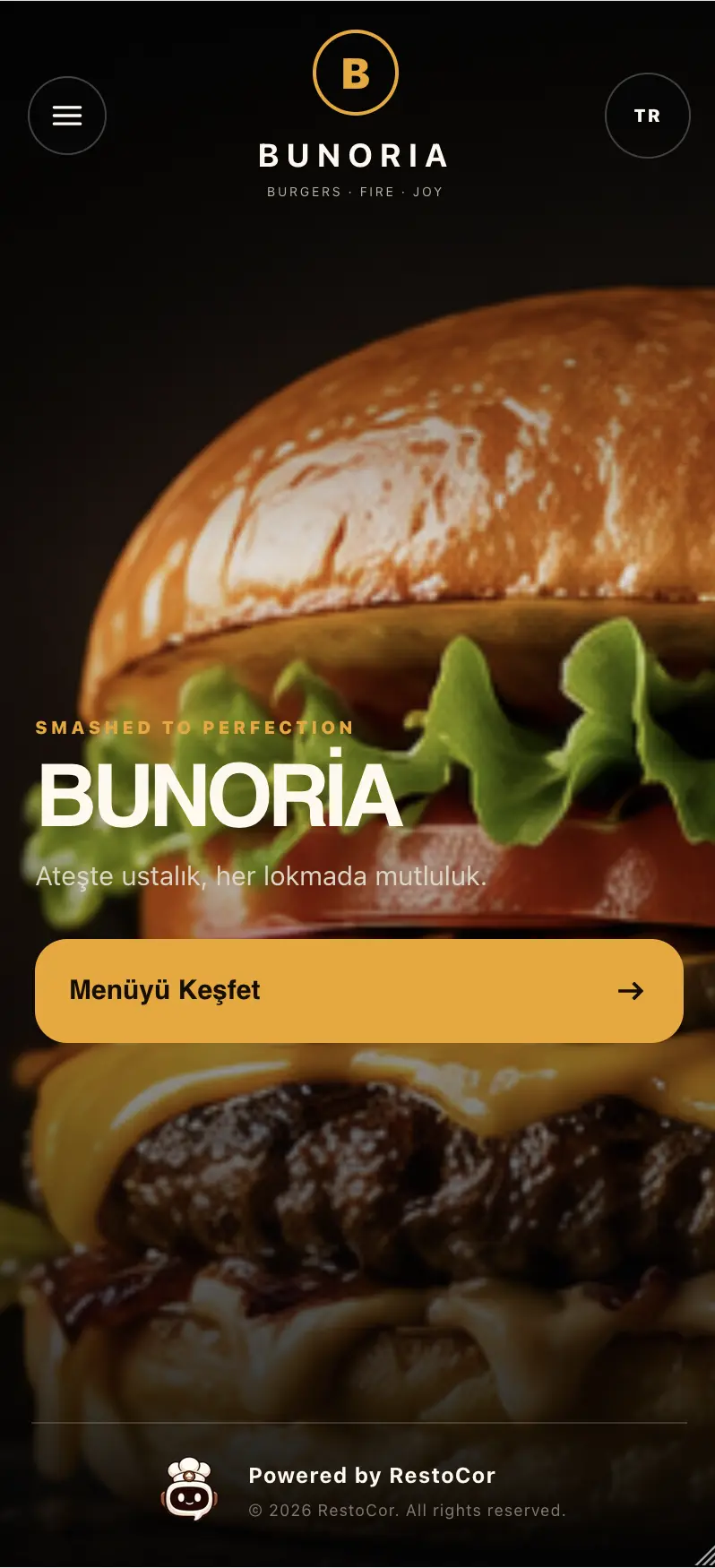
Create brand-ready menus with modern, mobile-friendly templates. Customize colors and themes.
- Different business concepts
- Color and theme options
- Logo customization
- Mobile-friendly design
Fast QR Access
Guests reach your menu instantly through your custom QR code. Contactless, fast, and hygienic.
- Branch-specific QR codes
- Table-specific QR codes
- QR design options
- Logo and color customization
Analytics and Reports
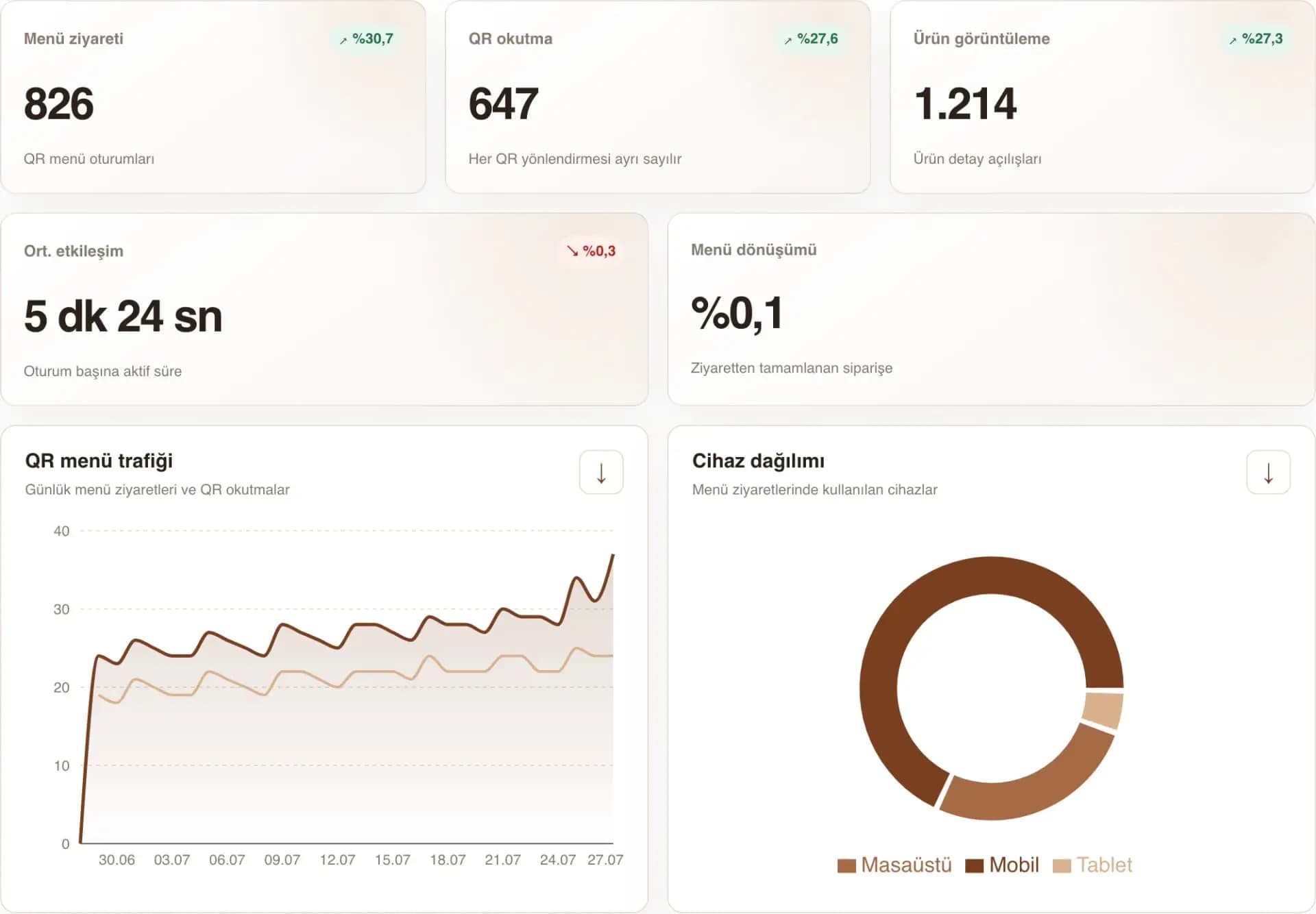
Track QR scan counts, popular products, and menu performance from one dashboard.
- QR scan statistics
- Popular product analysis
- Visitor/Order Reports
- Export

Your questions answered
Answers to your questions about bringing your menu online.
View all frequently asked questionsHow do you create a digital menu from a PDF?
Start by uploading your existing PDF menu or a supported menu image to RestoCor. AI-assisted import helps turn the products, categories and prices in your file into digital menu content. Work from imported content instead of typing your entire menu again.
How should I check products and prices after importing?
Before publishing, compare category order, product names, descriptions and prices with your source file. Use a legible, up-to-date source and correct missing or inaccurate information through product and category management. Complete menu images and language content at this stage as well.
What is the difference between displaying a PDF and a manageable QR menu?
A PDF link opens your file. A digital menu lets you manage products and categories individually, update prices and choose the menu appearance from the panel. Customize your menu link’s code with QR Code Design and explore Tablet Menu or your restaurant website through the related solutions.
Related solutions
QR Code Design
Design QR codes that reflect your business identity. Customize colors, patterns, logos, and frames to bring your brand to the link that opens your menu.
Tablet Menu
Present products and categories to guests with a RestoCor tablet menu. Manage digital menu content and device licenses from your restaurant management panel.
Restaurant Website
Bring your menu, brand, and contact details together on your own restaurant website. Manage its content and appearance from your panel.

Manage your restaurant from one hub
Bring the solutions you need together in RestoCor, from digital channels, orders and service to inventory, deliveries, accounting, marketing and reporting.