Tablet Menu
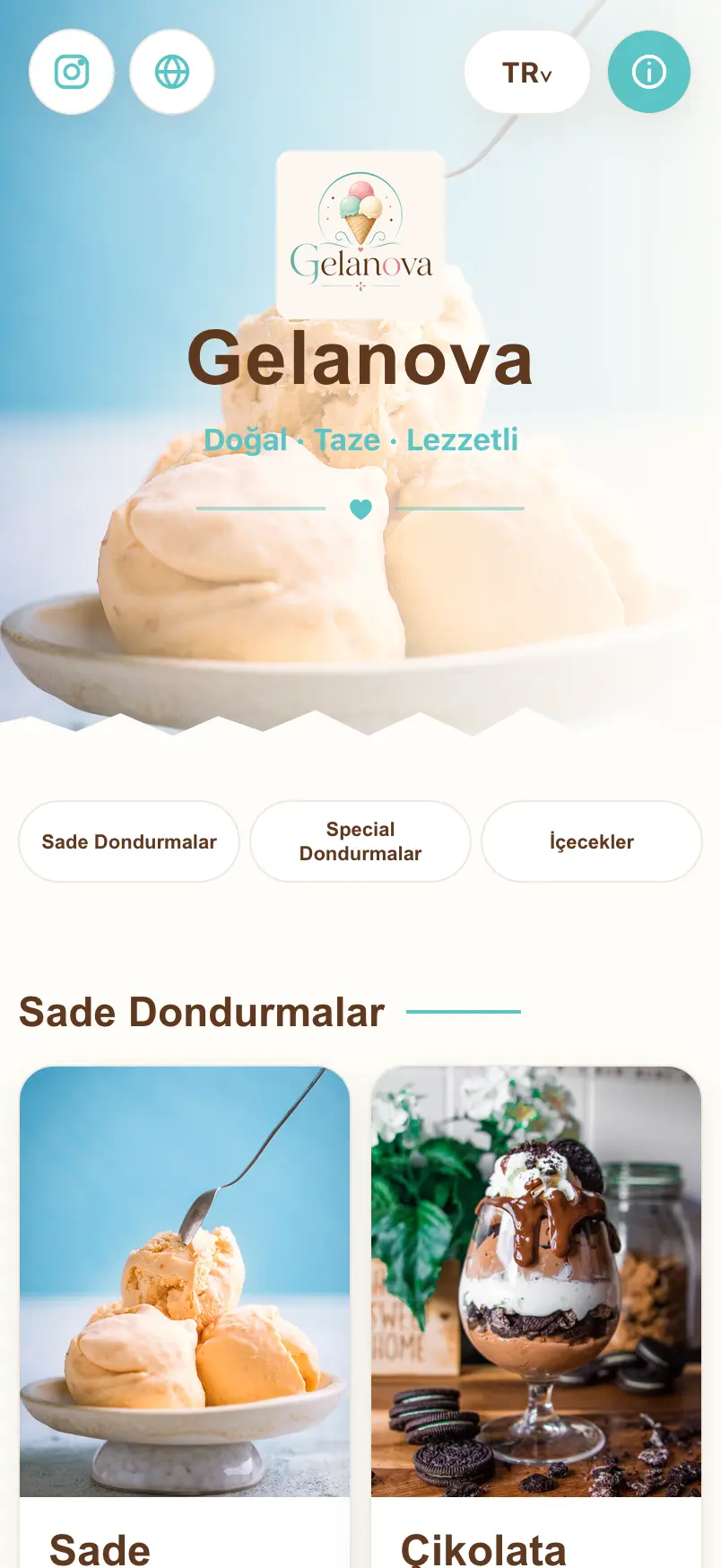
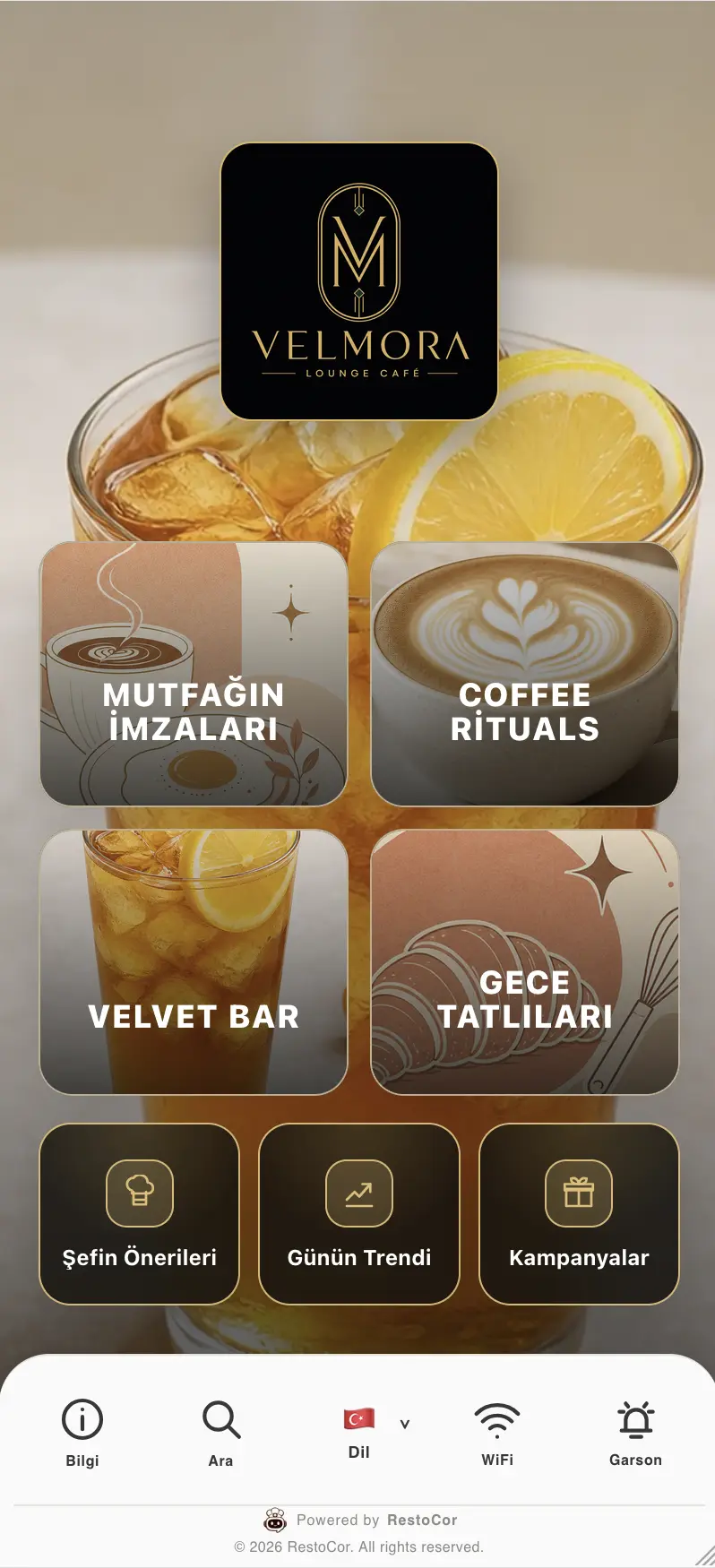
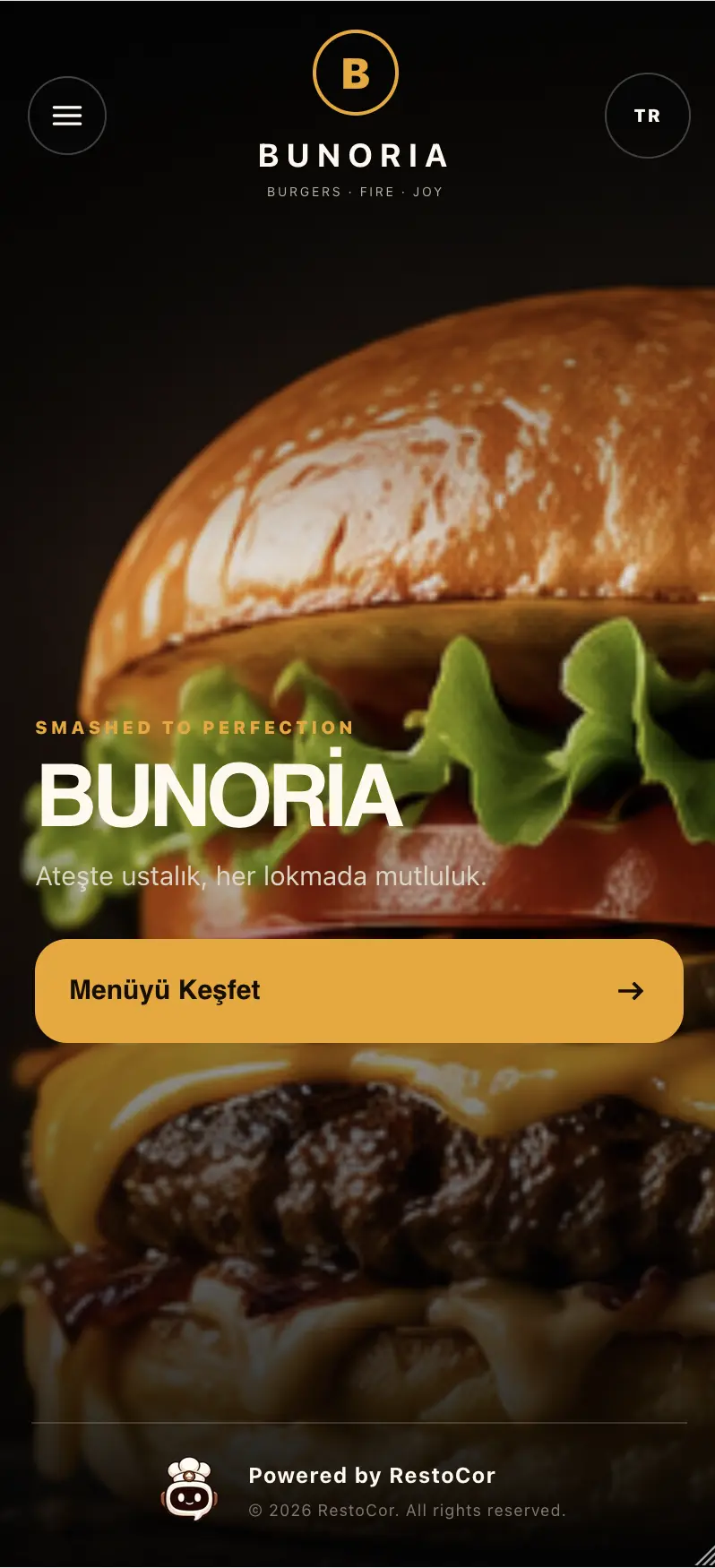
Present products and categories to guests with a RestoCor tablet menu. Manage digital menu content and device licenses from your restaurant management panel.
How to use it in your business
Display products and menu content during table service. Manage devices through tablet menu settings and licenses.
- Digital menu on a tablet
- Product and category display
- Tablet menu settings
- Device licenses

Your questions answered
Answers to help you choose the right solution for your business.
View all frequently asked questionsHow can your restaurant use a tablet menu?
Organize products, categories and prices in the management panel and present them to guests on a tablet. Prepare menu content around your restaurant’s service workflow. Manage tablet menu settings and device licenses together to control which devices can access the menu.
Is hardware included with tablet menus, waiter and POS screens?
No. These solutions provide software access or a device licence; physical tablets, phones and POS devices are not included. Check module, device compatibility and licence requirements for your chosen solution.
Related solutions
QR Menu
Turn a PDF menu into a digital menu with the RestoCor menu builder. Edit products, categories and prices, then publish your QR menu.
Mobile App
Bring waiter, courier, valet, and tablet menu experiences together in the RestoCor mobile app. Access your management panel from the app.
QR Code Design
Design QR codes that reflect your business identity. Customize colors, patterns, logos, and frames to bring your brand to the link that opens your menu.

Manage your restaurant from one hub
Bring the solutions you need together in RestoCor, from digital channels, orders and service to inventory, deliveries, accounting, marketing and reporting.